One place to start when IT gets in the way.
Help with computers, servers, printers, user access, and the day-to-day issues that slow down your front desk and clinical team. We work through the cause and make the next steps clear.

From the front desk to the clinical workstation, your team needs technology that works. Get practical support for your network, backups, and everyday software problems from a team with hands-on dental IT experience.

Hands-on familiarity with



We start with the systems your practice already uses, the problems your team encounters, and the work that needs to keep moving.
Help with computers, servers, printers, user access, and the day-to-day issues that slow down your front desk and clinical team. We work through the cause and make the next steps clear.
Troubleshoot connectivity, address Wi-Fi problems, and plan network improvements around your practice. Keep staff systems and guest access appropriately separated.
Review backup coverage, monitor backup jobs within the agreed service scope, and plan recovery steps. Include recovery testing so the conversation goes beyond whether a backup ran.
Familiarity with Curve, Dentrix, and Eaglesoft helps us understand your team’s concerns. We troubleshoot the underlying IT environment and coordinate with software vendors when their support is needed.
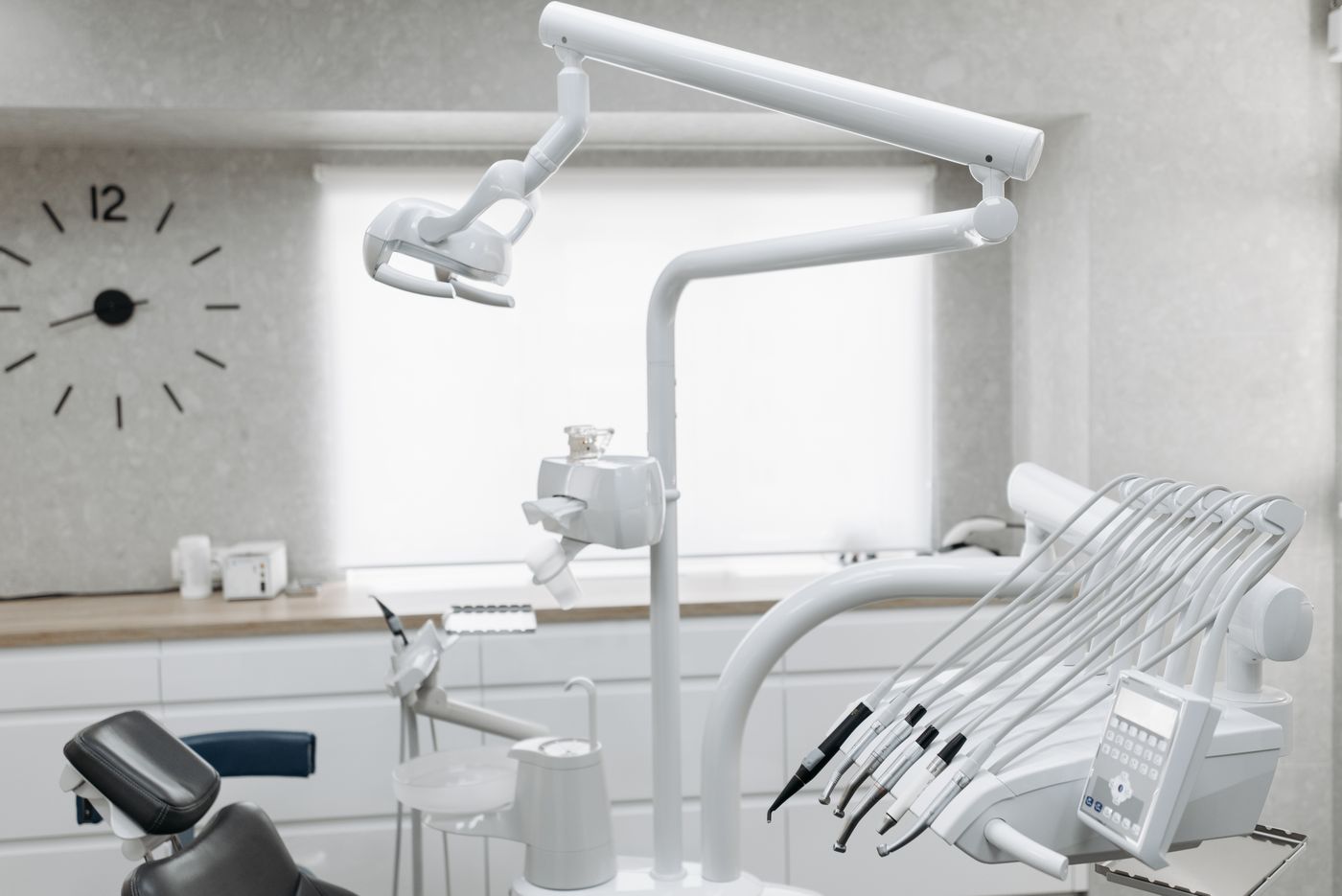
The front desk, clinical workstations, practice software, and network all need to work together. Our team helps troubleshoot the connections between them so your staff can get back to the work in front of them.
Our team brings hands-on dental IT experience in networking, backups, and software troubleshooting.
We understand how a connectivity problem or software issue can disrupt the day. We work through the cause and explain the next steps in plain language.
Tell us what’s getting in the way. We’ll get to know your setup and agree on a practical way forward.
You don’t need to diagnose the issue before reaching out. Start with what your team is experiencing.
Your software, computers, network, backup arrangements, and current frustrations.
Identify immediate support needs and the improvements worth planning.
Set a clear scope, responsibilities, and next steps before work begins.
Tell us which dental software you use and where you need help. We’ll start with a conversation about your practice and the support that fits.
Monday–Friday, 9 AM–5 PM Mountain Time. For Wardfall Tech, press 1.